
Detail
A portrait detail that adds texture
Media and galleries
Move from one cinematic feature to a balanced image collection and a focused sequence without losing the page’s visual rhythm.

A generous video feature creates a natural pause for a brand film, product walkthrough, interview, or campaign story.
Mix portrait, landscape, square, and widescreen imagery while captions keep every visual grounded in the wider story.
A portrait detail that adds texture

A wider scene that establishes context

A square crop for a focused idea
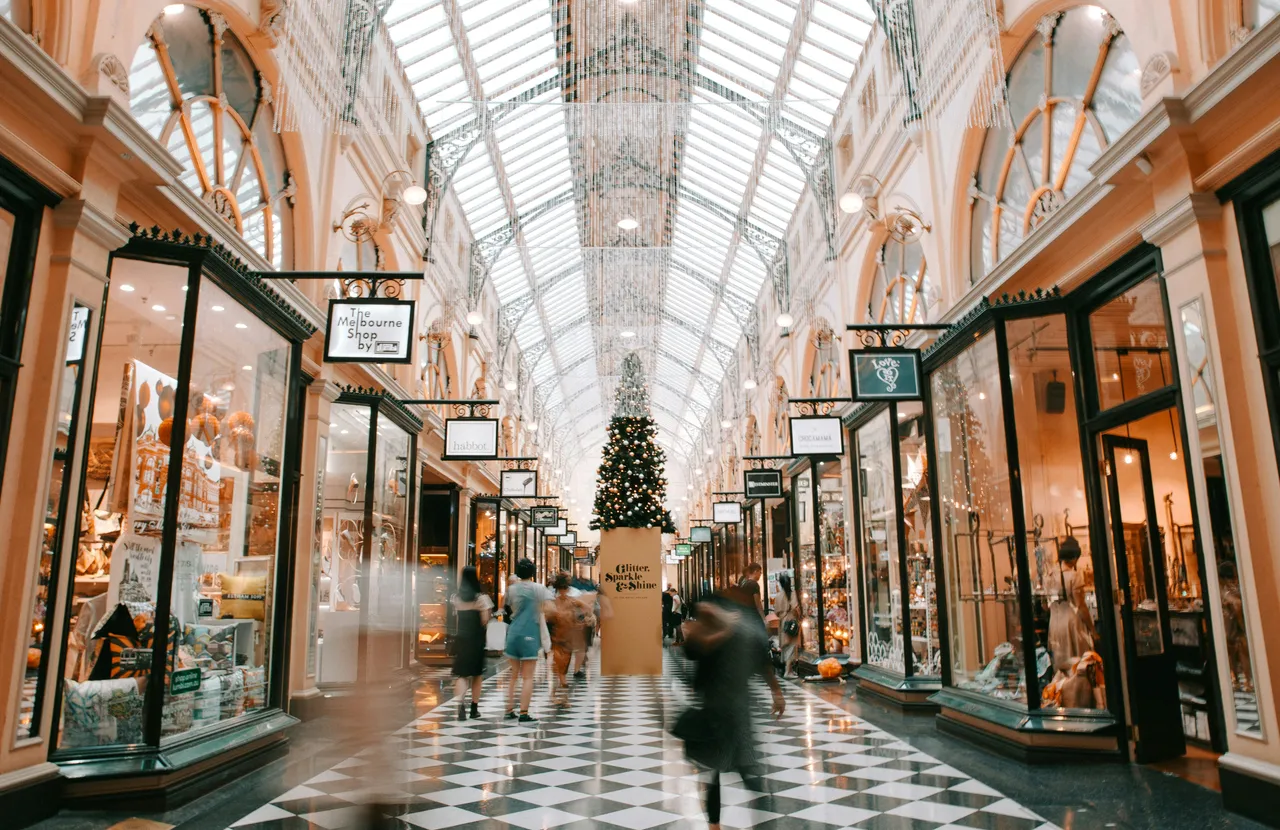
A cinematic frame for an expansive moment
Keep related images in one place when their order matters or the page needs a quieter, more controlled presentation.
Showing carousel position 1 of 3.

Begin with the structure
Map the page before styling it. Identify the opening promise, supporting evidence, and final action so every visual has a clear role.
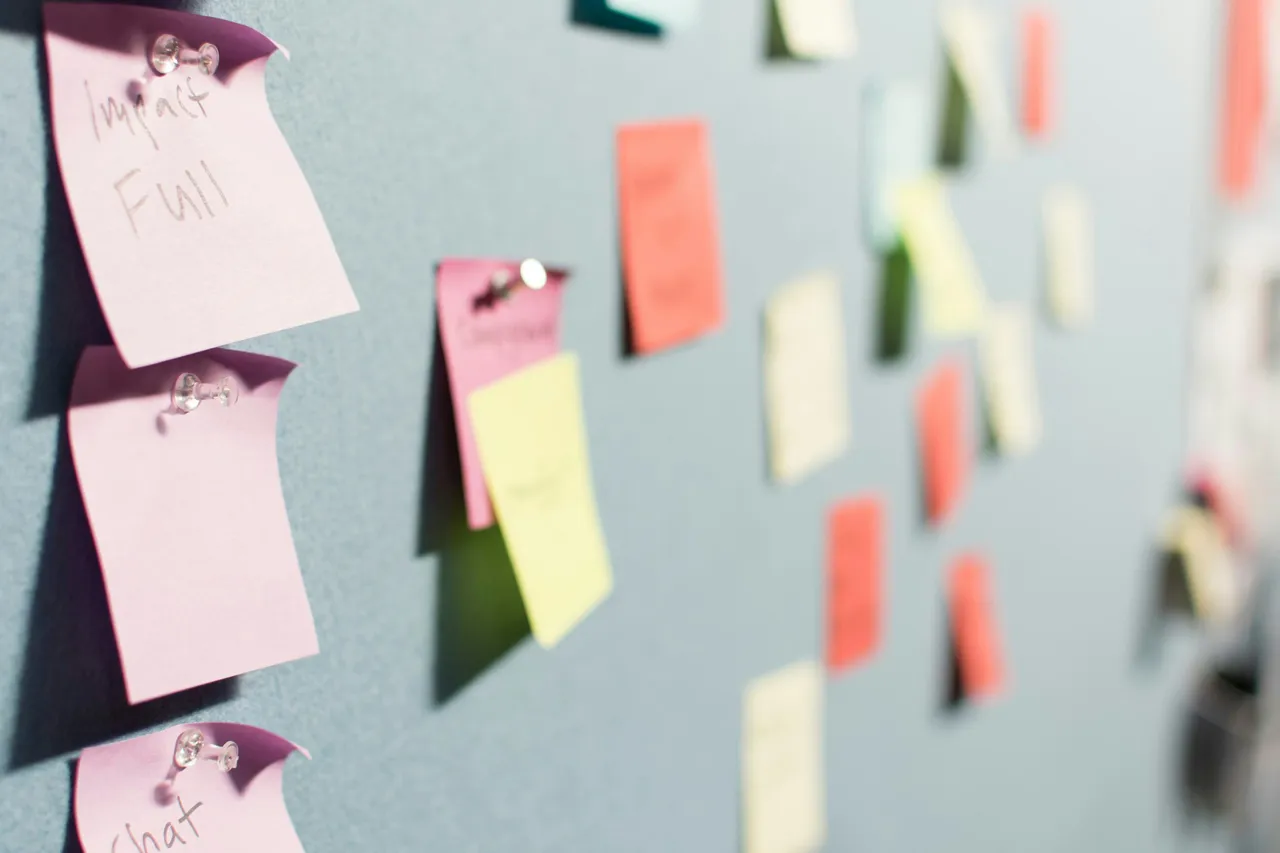
Develop the direction
Choose imagery that adds new information rather than repeating the copy. Vary scale and framing to create pace while keeping the sequence coherent.

Prepare the final story
Review the sequence as one story. Tighten captions, confirm the order, and make sure the final frame leaves visitors with a useful next step.
Choose the media treatment that best fits your story, then let the template handle the rhythm and presentation.